01POS review
Review POS report rows and resolve unmatched items before they feed menu and analytics views.
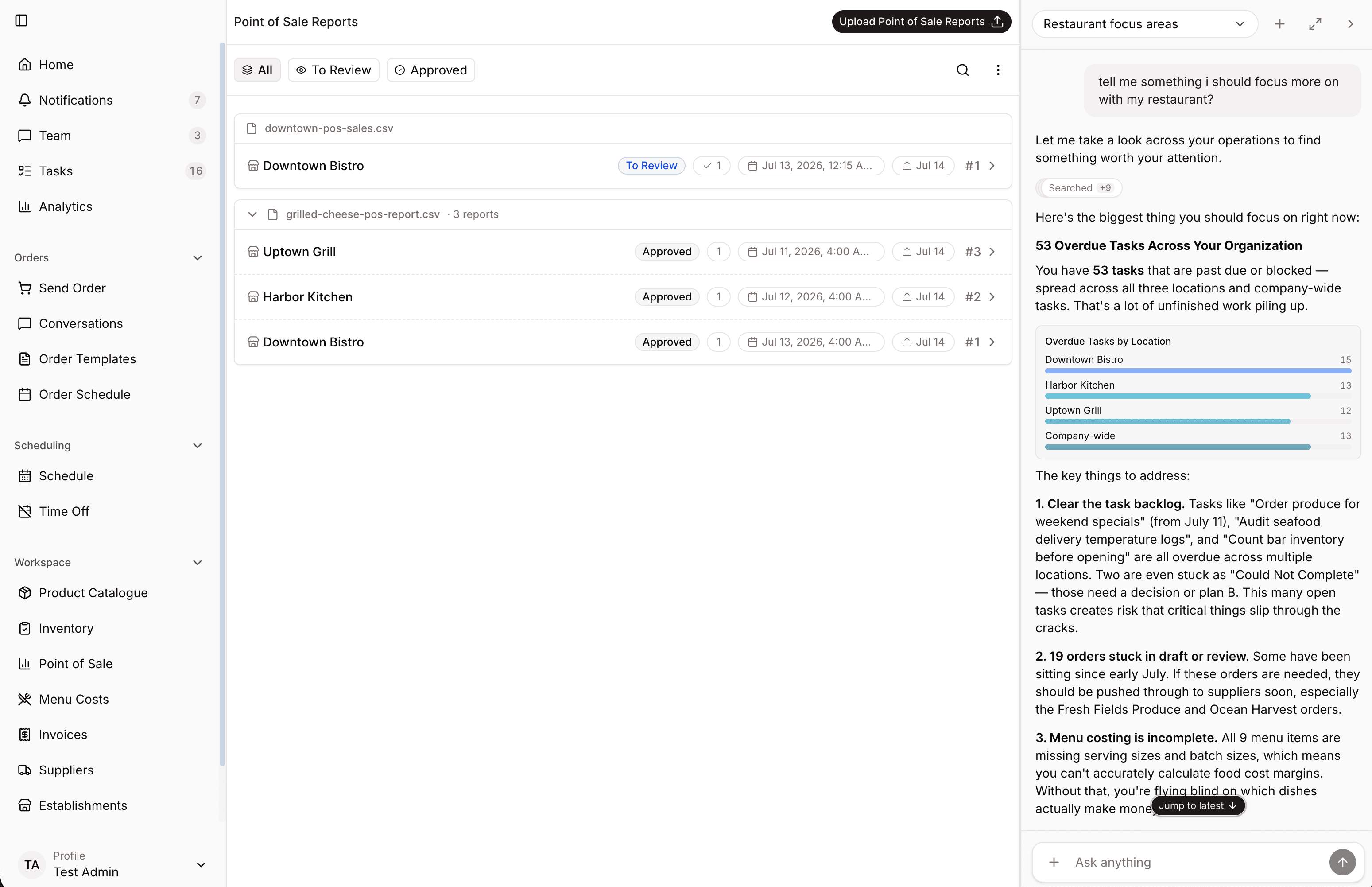
POS reports
Bring in sales reports, review the items, and use POS data to understand menu performance and daily decisions.
POS report
Ready for review
92%
Matched items
8
Unmatched
1,248
Sales imported
Check uploaded POS rows before they feed analytics and menu work.
Connect POS items to menu records so sales and cost live together.
Compare what sold with costs, margins, and inventory movement.
Product proof
Real product views from a demo restaurant show how the work looks once it moves into Spensa.
Review POS report rows and resolve unmatched items before they feed menu and analytics views.
Use reviewed POS data to understand sales movement alongside menu and margin context.
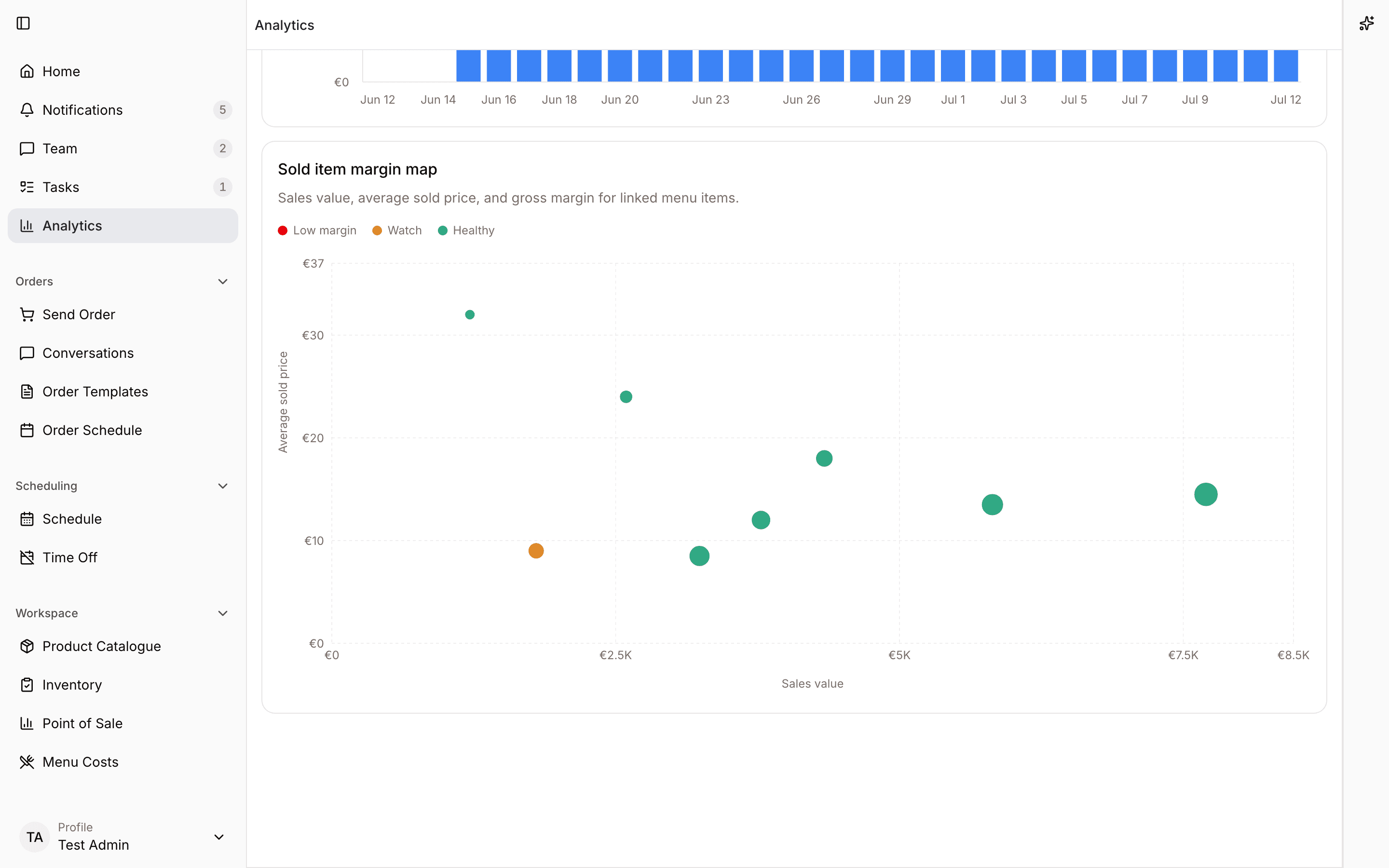
Workflow
Spensa keeps POS review practical, so managers can trust the sales data behind menu and analytics views.
More from Spensa
See how Spensa fits your restaurants.
Book a demo